Make shared spaces more useful, welcoming, and connected. Explore NXSLED display ideas for senior living, assisted living, memory care, and skilled nursing, planned around residents and the teams who support them.
Concept visualization · final equipment and engineering subject to review
A shared canvas for community life
Not just a larger television. A room with more possibilities.
A morning schedule, an afternoon conversation, a family celebration, or a film night: the same wall can serve different purposes throughout the day. The right design starts with what staff and residents will actually do in the space.
Use the concepts below to plan a lobby, lounge, activity room, chapel, therapy space, or staff-only operations room. Nexus can help coordinate the display, audio, network, content controls, installation, and support as one project.
Ten ways to use the wall
Start with the people. Then choose the room.
For administrators, executive directors, life enrichment teams, and facility managers. Every image below is a concept visualization, not a completed Nexus installation.
01 / Main lobby · Reception
Welcome & community showcase
Introduce your community with recent events, resident artwork, team spotlights, and personalized welcomes. Give visiting families a window into everyday life, not just a static sign.
Planning note: Use resident names and photographs only with appropriate consent and a staff approval process.
Concept visualization · Commons · Dining entrances · Elevator lobbies
Application 02
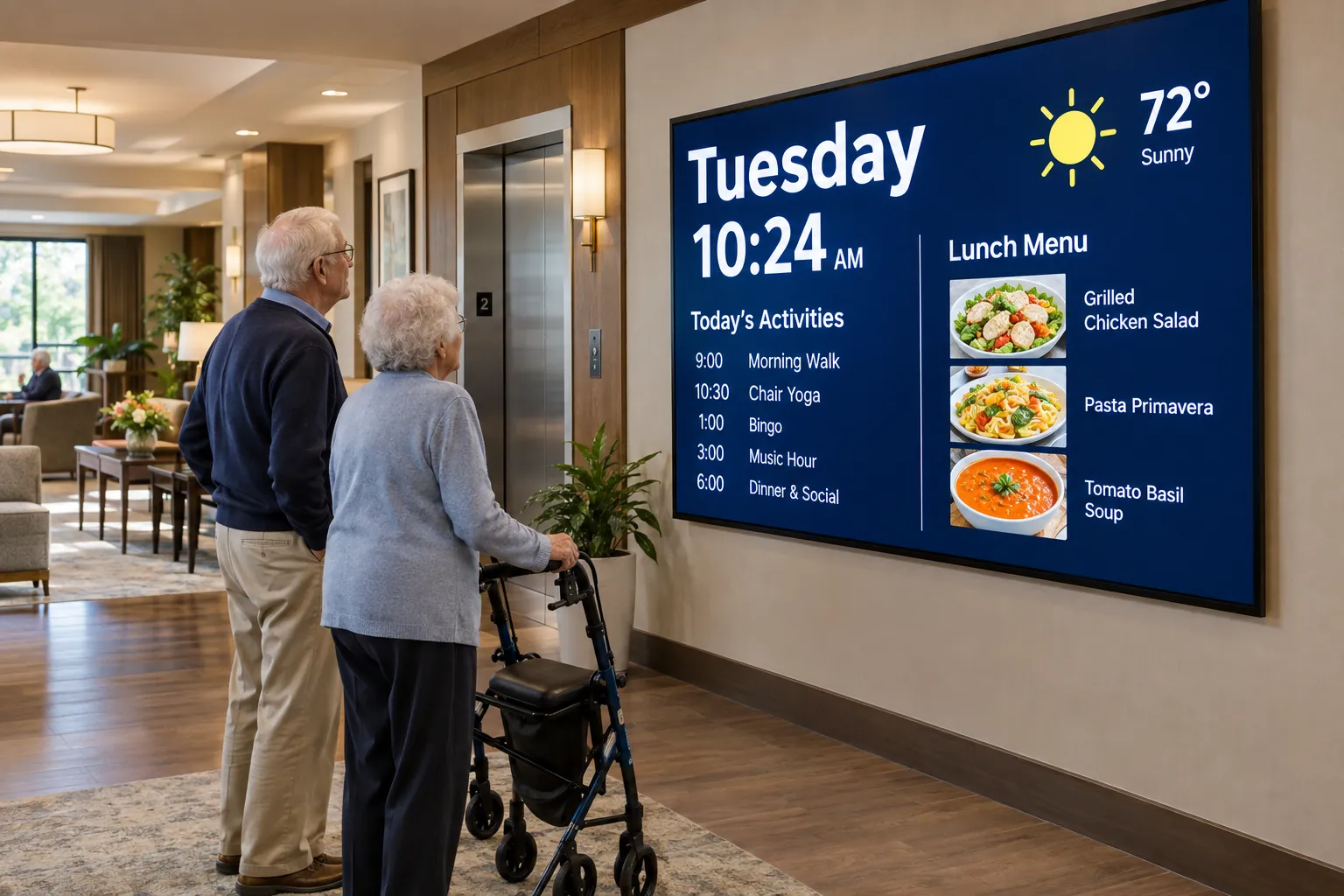
Daily life, clearly displayed
Bring the day’s activities, dining choices, shuttle times, and community notices together in a readable display that staff can update from one content system.
Plan for it: Keep layouts simple, type large, and transitions unhurried. Validate readability from actual seated and standing positions.
Concept visualization · Interior lounges · Memory care common areas
Application 03
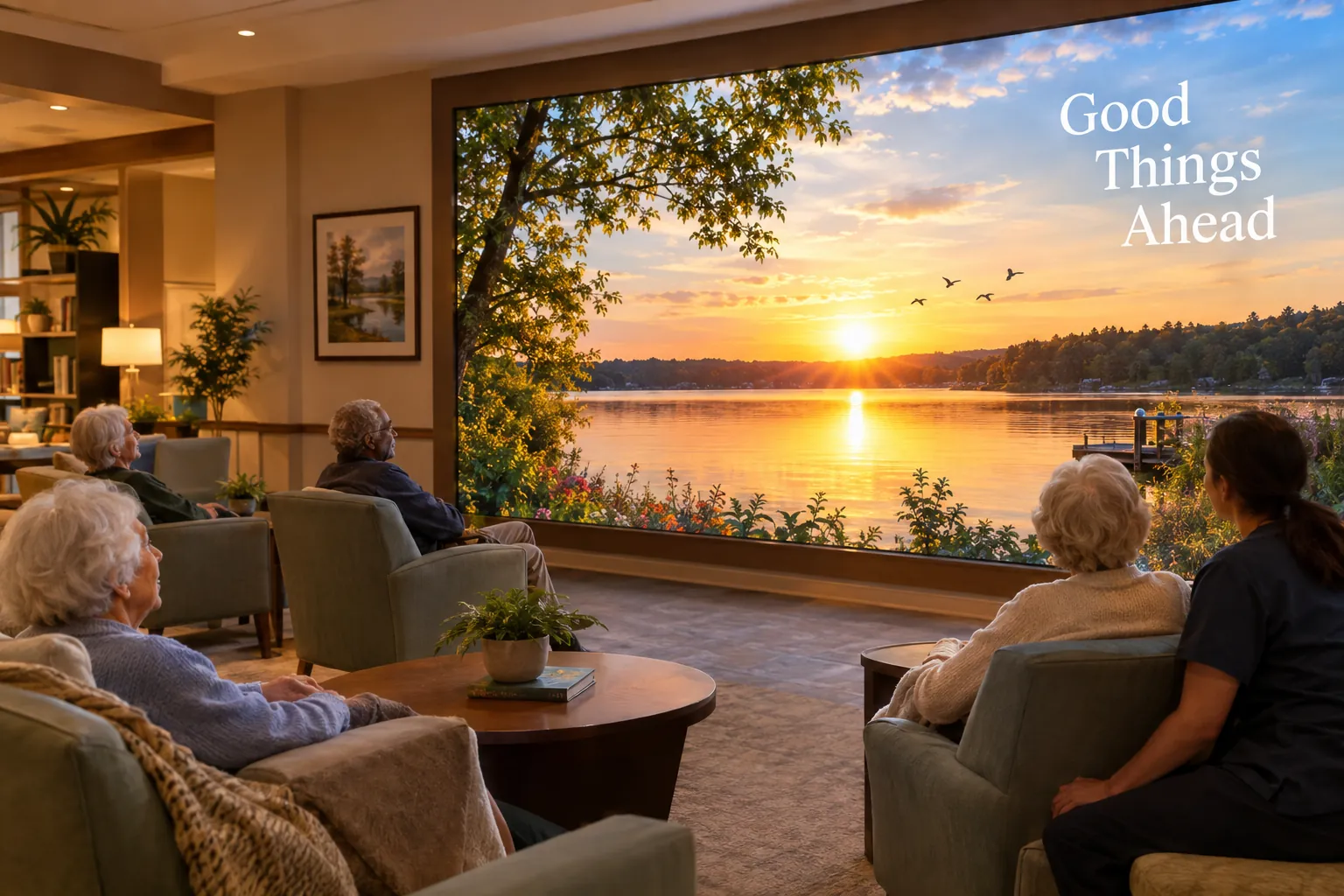
A window onto somewhere beautiful
Use gentle nature scenes, familiar landscapes, and seasonal imagery to give an interior lounge a changing visual backdrop. Plan daytime and evening content around how the room is used.
Plan for it: Avoid flashing, fast cuts, and sudden sound. Nature imagery is an environmental feature, not a clinical treatment or a substitute for outdoor access.
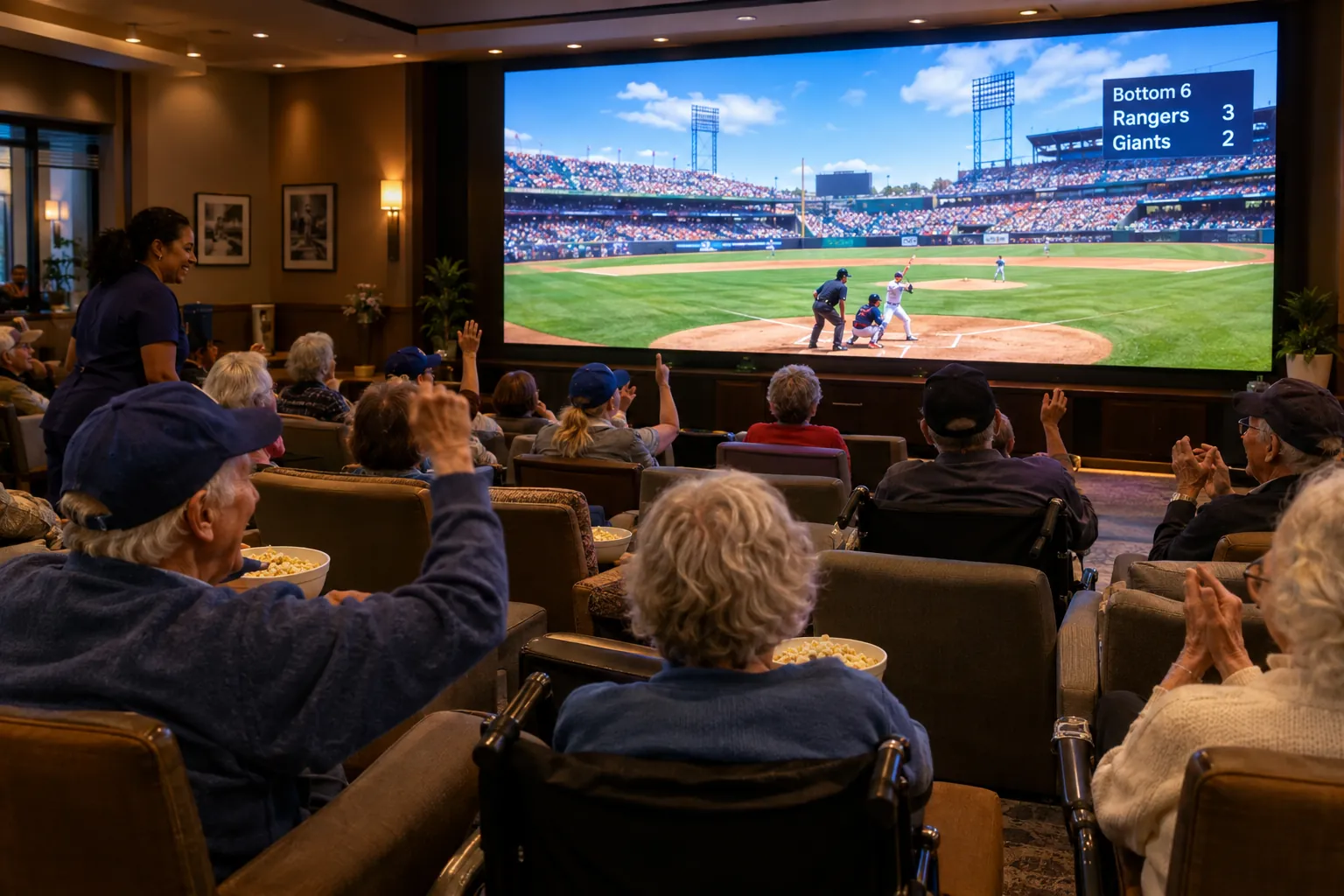
Turn a common room into a shared destination for classic films, sports, concerts, and community events, with a picture sized for the whole seating area.
Plan for it: Plan captions, audio, and hearing-assistance needs. Confirm public-performance and commercial viewing rights for each content source.
Concept visualization · Memory care neighborhood · Activity room
Application 05
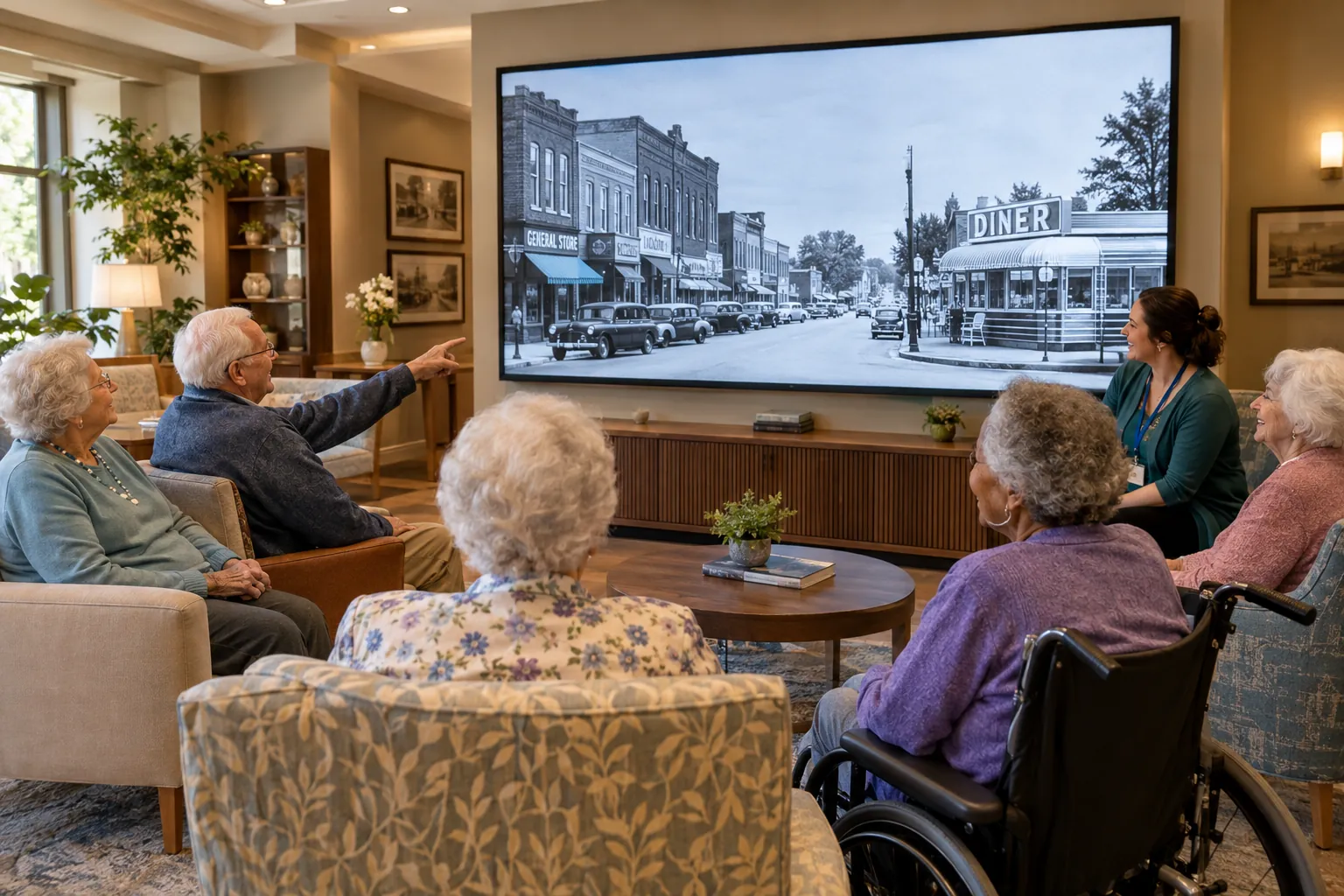
Familiar stories, shared together
Give staff a large canvas for local-history photographs, family-approved slideshows, sing-alongs, and conversations built around residents’ interests and experiences.
Plan for it: Clinical and life enrichment teams should approve content and adapt sessions to individual preferences. No therapeutic outcome is promised.
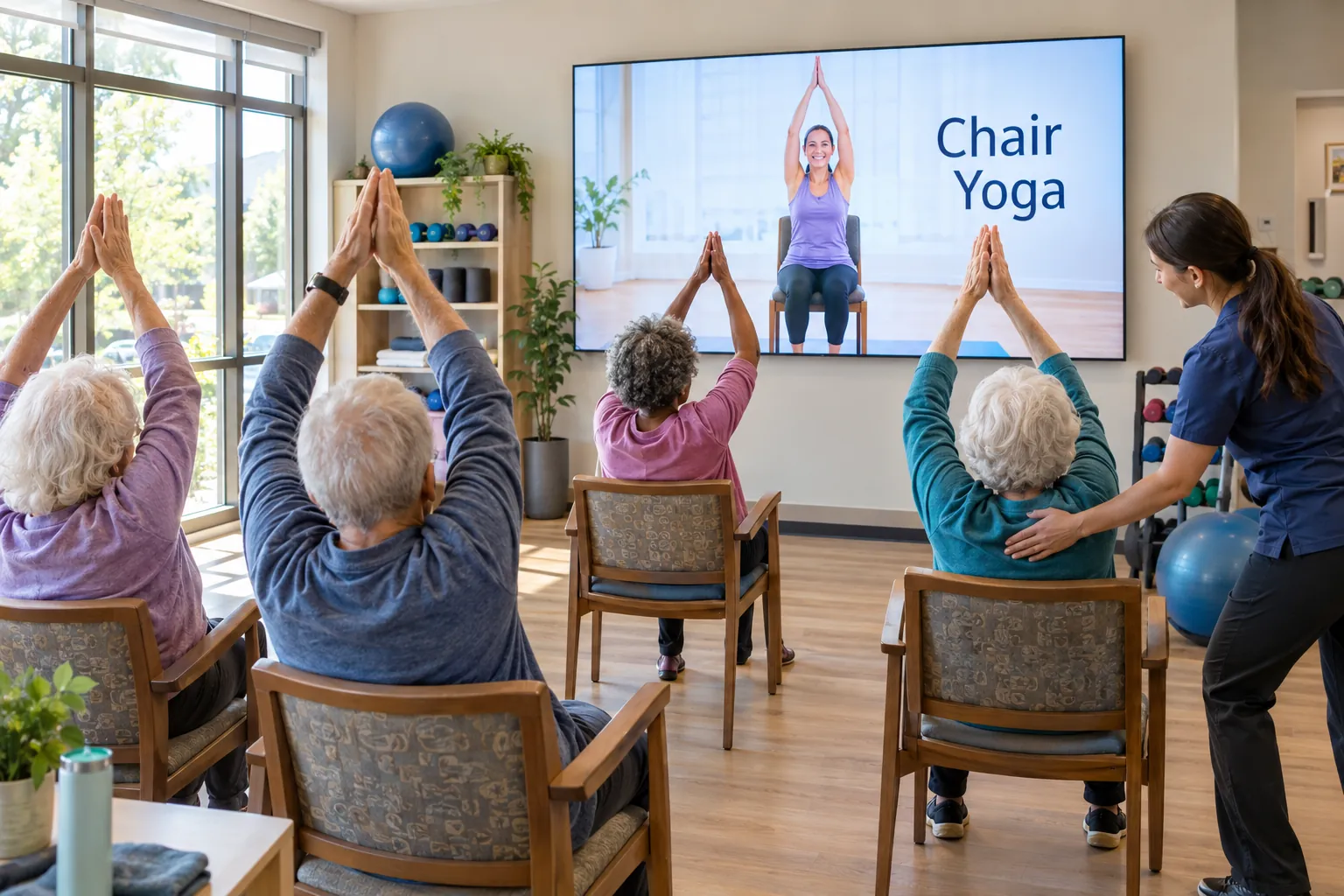
Display instructor-led seated exercise, movement demonstrations, or virtual travel alongside staff-led activities. Interactive sessions can be evaluated with separately specified sensors and software.
Plan for it: Therapy staff determine appropriate activities, supervision, and clearances. A display alone does not provide therapy or fall prevention.
Concept visualization · Family room · Activity room
Application 07
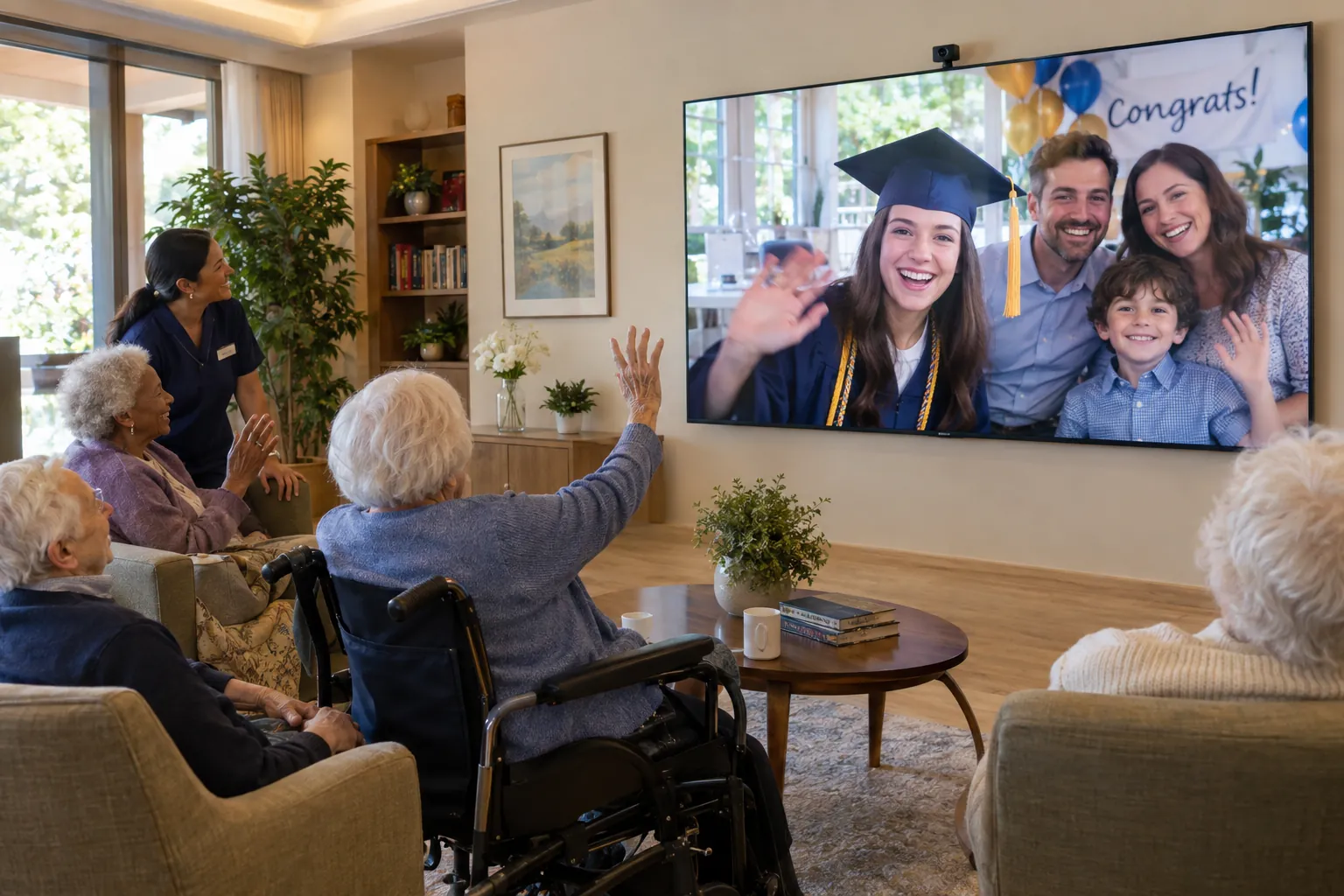
Bring faraway moments into the room
Share graduations, family celebrations, visiting speakers, and intergenerational programs at room scale. Coordinate the display with a camera, microphones, speakers, and a dependable network.
Plan for it: Give families privacy controls and confirm consent before group calls, recording, or sharing photographs.
Concept visualization · Chapel · Dining hall · Multipurpose room
Application 08
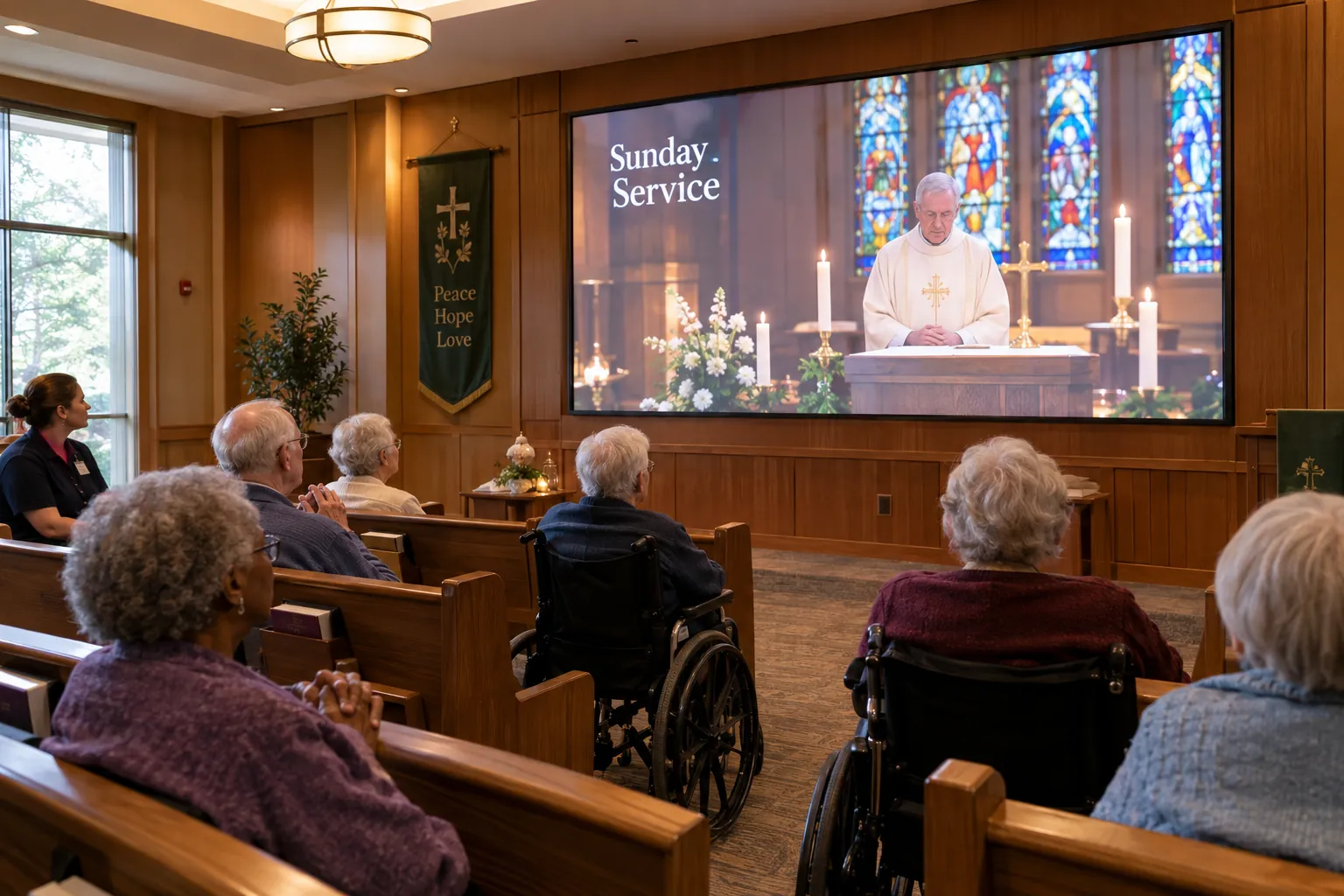
Worship, remembrance & celebration
Support streamed services, large-format lyrics, holiday programs, birthdays, and family-approved memorial tributes in a shared setting.
Plan for it: Respect the faith traditions and preferences of the community, secure content permissions, and obtain consent for personal tributes.
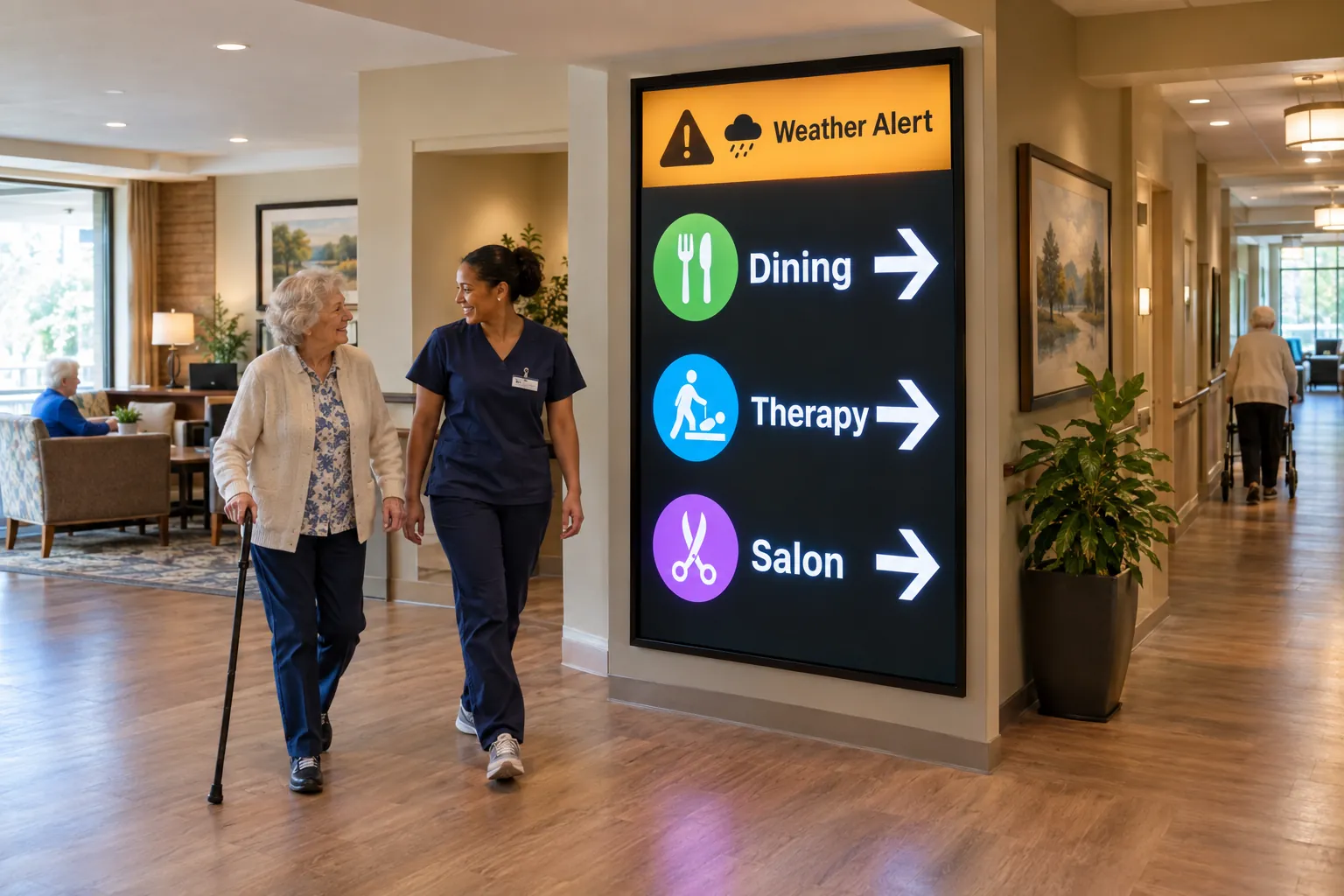
Combine simple directional cues with approved visitor updates and facility notices. Define who may publish urgent messages and how those messages reach the displays.
Plan for it: Digital notices supplement, never replace, required life-safety systems or the facility’s emergency procedures. Integration and delivery must be validated.
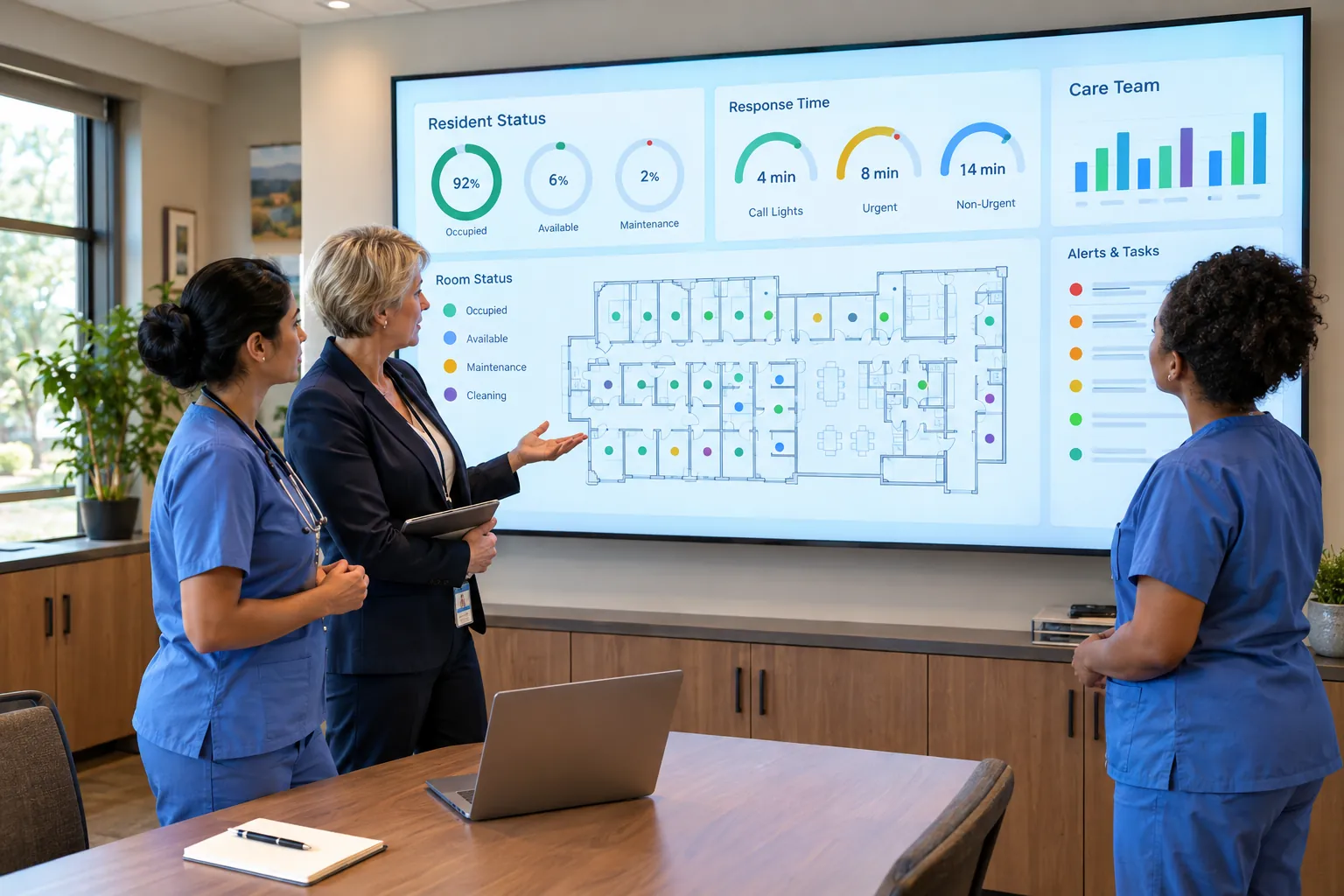
Concept visualization · Staff-only operations office · Training room
Application 10
A shared view for the care team
Bring approved operational dashboards, shift priorities, training sessions, and system-health information into one staff-only viewing area.
Plan for it: The pictured metrics are illustrative, not Nexus results. Source-system access and integrations require validation; keep sensitive resident information off public displays.
Before equipment selection
Design for daily life, not just opening day.
Direct-view LED creates a large image without LCD panel seams. Whether it is the right investment depends on the room, viewing distance, content, operating hours, and maintenance access; a commercial display or projection system may be a better fit for some spaces.
Room fit & readable content
Measure the nearest and farthest viewing positions, seated sightlines, ambient light, and the smallest text you need to show. Compare actual content on candidate displays before selecting size and pixel pitch.
Resident comfort & physical access
Review brightness presets, glare, captions, audio levels, and calm transitions with staff. Coordinate mounting, circulation space, service access, and protection from walkers, wheelchairs, and carts.
Infrastructure & integration
Confirm structural support, electrical requirements, ventilation, network connectivity, content sources, and control ownership against the selected equipment. Validate any nurse call, operational dashboard, or messaging integration separately.
Content ownership & privacy
Name a content owner, define approvals and update responsibilities, confirm media rights, and establish resident consent practices. Separate public programming from restricted staff information.
One delivery plan. An explicit support scope.
Discuss site assessment, display engineering, procurement, installation, content templates, staff handover, and ongoing care with Nexus. The proposal should separate project costs from recurring support and content services.
Support hours, response targets, maintenance, replacement parts, content revisions, exclusions, renewal, and annual adjustments must be agreed in writing. No financing terms, clinical outcomes, or compliance certification are implied.
Request a consultation, a tailored demonstration, or a scoped feasibility engagement. A request is not a booking or a purchase.
NXSLED by NexLumen is delivered and supported by Nexus Communications Technology. Equipment manufacturer, warranty, scope, and service terms are identified in your proposal.